
Everyday retail
Manage products, purchases, stock and sales for general stores and everyday retail.
Manage sales, stock, customers, expenses and daily operations from one simple, adaptable workspace.
Built for everyday small businesses.
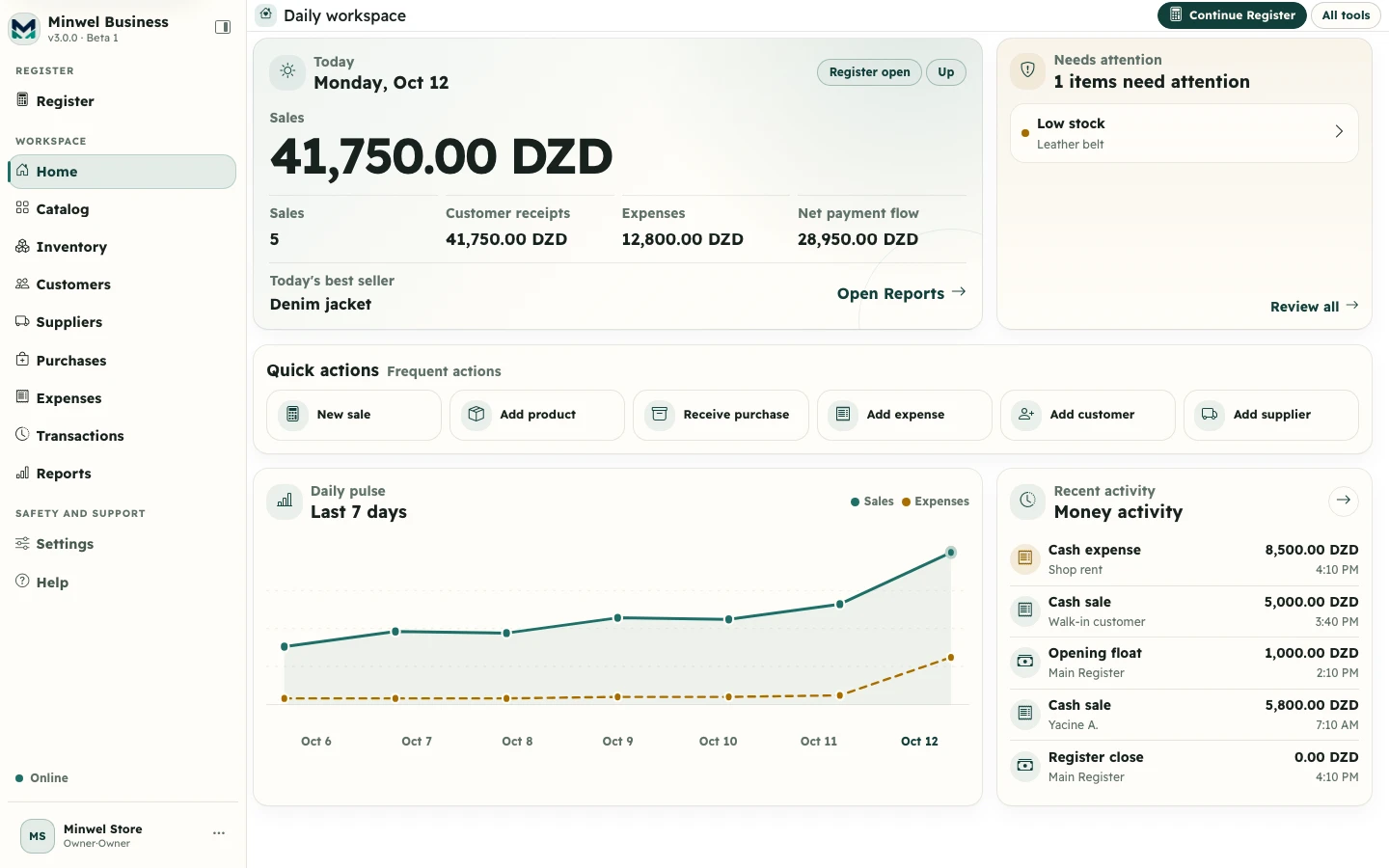
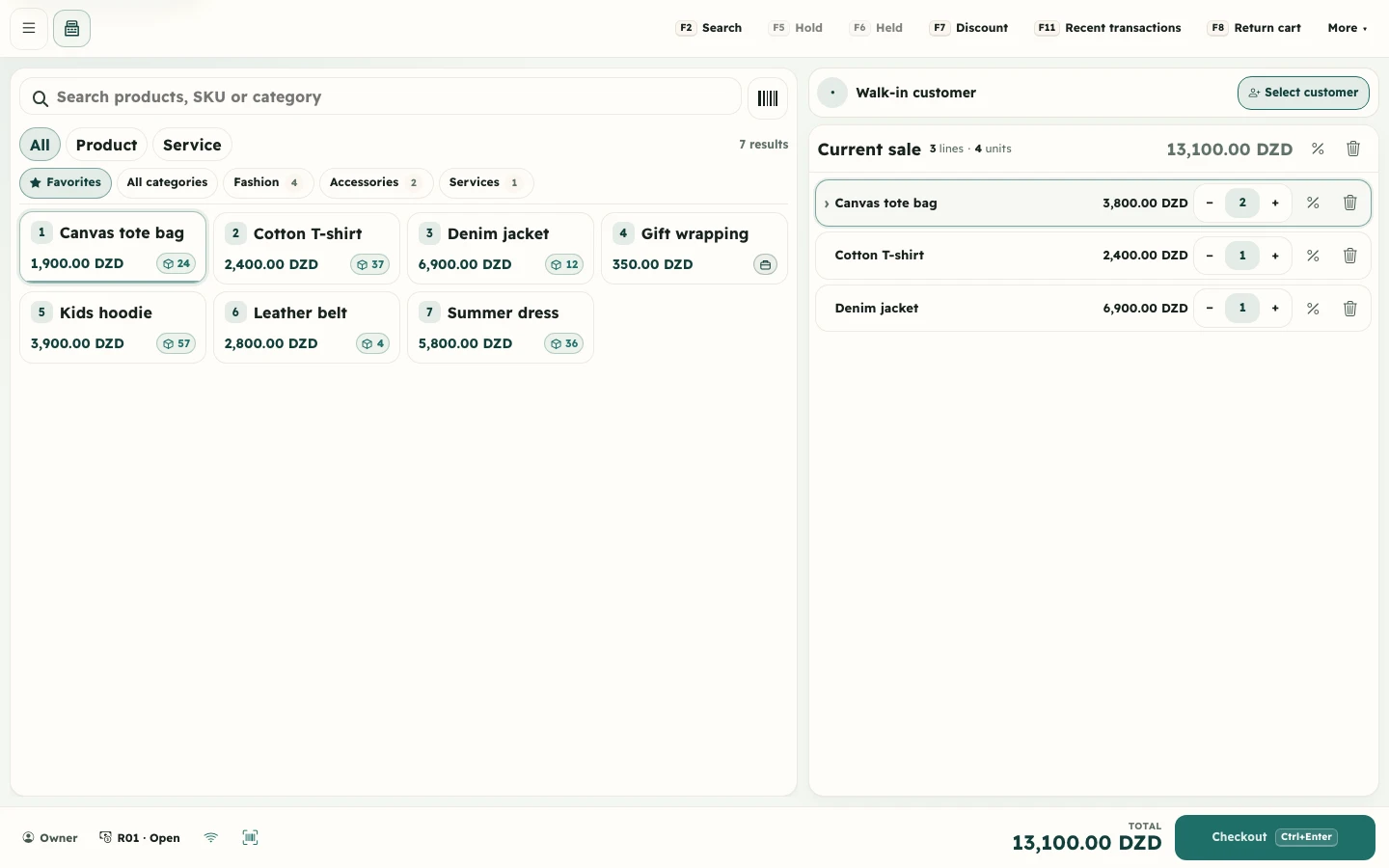
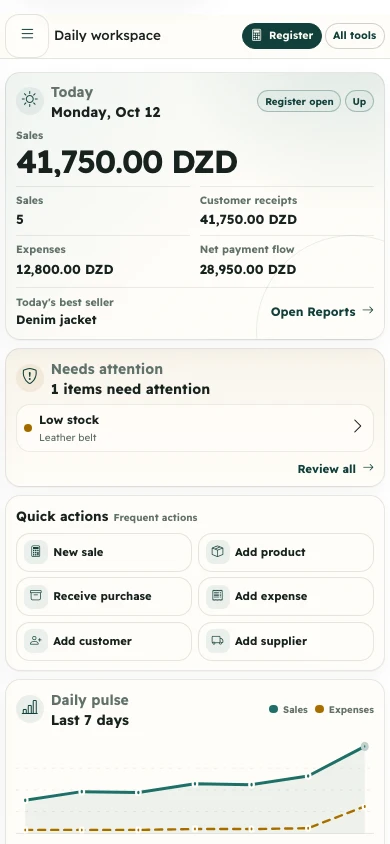
Start with the closest supported business profile, then keep only the capabilities your daily work needs.
Manage products, purchases, stock and sales for general stores and everyday retail.
Organize sizes, colors, variants and prices for clothing, footwear and accessories.
Keep your homeware, décor and furniture catalog connected to stock and sales.
More specialized business workflows will be introduced progressively.

Sell quickly with search, barcode scanning, payments, receipts and returns.
Organize products, services, pricing, barcodes, stock levels and movements.
Keep the people and businesses you work with connected to daily operations.
Record supplier purchases, receiving and everyday business expenses.
Understand sales, stock, expenses and activity through clear operational summaries.
Give each person the access they need with roles and protected actions.
Search, scan, build the cart, handle payments, and finish the sale with a compact workstation-oriented flow.
Explore and train with sample data on a desktop or laptop. No installation required. Phone and tablet testing is temporarily unavailable.
For daily business work in Local or LAN mode. Contact us for a demonstration and availability for your setup.
Dedicated phone and tablet apps are planned; they are not available for daily use yet.
Keep daily work together, adapt Minwel Business as your business grows, and stay in control of your data.
Keep sales, stock, customers, expenses and reports together in one workspace.
Start with what you need, then add capabilities, users, roles and permissions when you need them.
Explore in your browser, then choose a Local workstation or a shared LAN setup for desktop use. Protect your work with regular backups.
We can help you choose a practical starting point, request a desktop demonstration, or discuss a future complete setup.
Minwel Business brings daily selling, products, stock, customers, suppliers, purchases, expenses, returns, reports, settings, access and backup into one business workspace.
No. Register/POS is the flagship daily selling workflow, but Minwel Business is designed as a broader business workspace around it.
The initial focus is stock-based retail: general stores, clothing, accessories, homeware and furniture. Specialized restaurant, café and appointment-based workflows are future expansions.
Yes. The demo path creates a local sample workspace using an active business profile and sample data for exploration, training, testing, and presentations.
The browser demo stores its workspace in this browser. Clearing browser data removes it. Desktop Local mode stores business data on the workstation; LAN mode uses your business server. Keep regular backups.
No. Its reports are operational summaries intended to help owners understand business activity. It does not currently claim full accounting, tax filing, payroll, or formal financial-statement workflows.
Use the built-in backup/export and restore/import tools. Minwel Business validates supported restore data before replacing your workspace.
Explore with sample data in your computer browser, or contact us for a desktop app demonstration.